
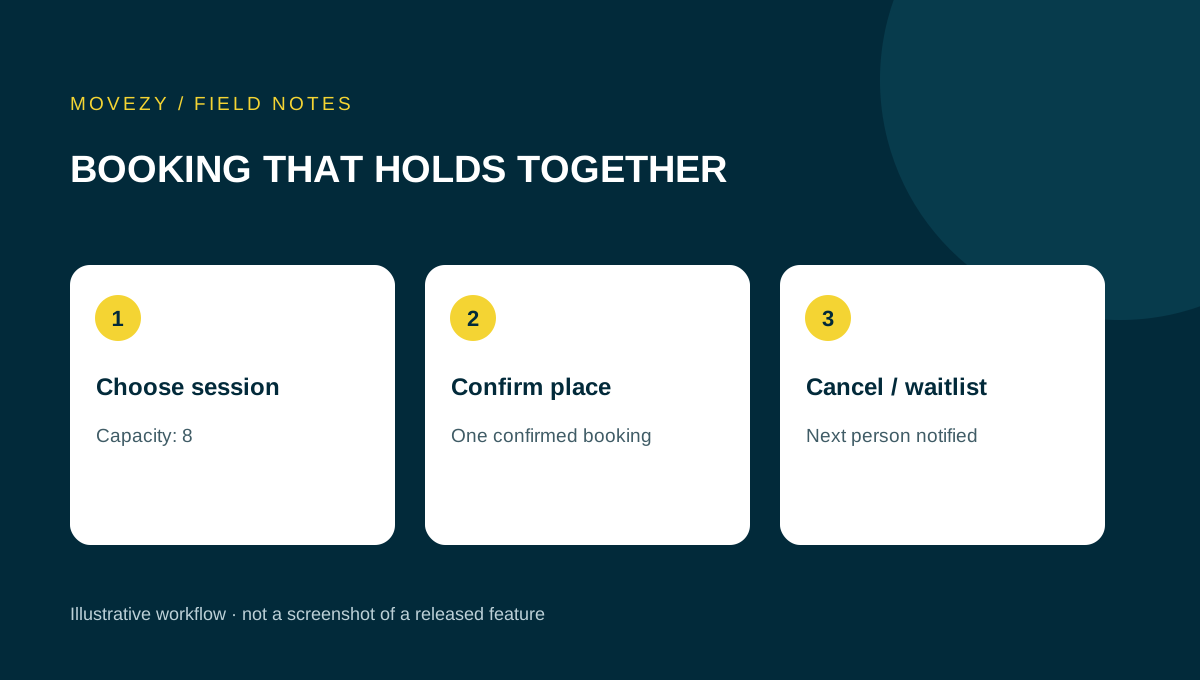
Start with the decision a client needs to make
A booking app should answer a small set of questions without a conversation: what is the session, when and where does it happen, can I attend, and how do I reserve or release a place? Begin your evaluation there. A large feature list is not evidence that these questions are answered clearly on the phone your clients actually use.
Write a short description of your studio before comparing tools: session types, staff, locations, places per session and any eligibility rules. Use your current process as the baseline. If you organise individual appointments, a group capacity counter may be irrelevant. If you run small classes, a calendar that allows unlimited reservations can create a serious practical problem. This guide is a workflow test, not a ranking of vendors.
Turn studio rules into an explicit checklist
Use the following fictional class to expose ambiguity: twelve places, a booking deadline at 15:00, and a separate cancellation policy. The numbers are examples, not recommended business rules. Ask the provider to demonstrate each rule in a demo environment. A rule written only in a help document does not show what happens when a client reaches the deadline.
| Rule | Question to resolve |
|---|---|
| Capacity | Does the available-place count include the client’s own booking? |
| Booking deadline | Which local time zone applies and what happens at the exact boundary? |
| Cancellation | Can a client cancel after booking closes, and under what conditions? |
| Session change | How does an existing booking change when the coach edits the time? |
| Duplicate attempt | Does a second tap create a second reservation? |
Distinguish an unavailable session from an unavailable app. A full class should still tell the client why no place can be booked. A closed booking window should show a meaningful deadline rather than a silent disabled button. For sessions crossing daylight-saving changes, ask how local dates and times are handled.
Walk through the booking and its confirmation
Use a provider demo or an isolated test account. Begin as a first-time client, not as an administrator who already knows where every setting lives. Open a session, read its details and reserve a synthetic place. Check the result in the same view and after leaving and returning. The client should know whether the action succeeded, whether they are already booked and which session the confirmation refers to.
- Does a slow connection leave a clear pending state?
- Can the client distinguish a failed request from a successful booking?
- After refreshing, is the saved booking still visible?
- Is the booking associated with the intended person and session?
- If another person uses the same phone, how are accounts or personal links separated?
A personal access link may act like a key. Do not paste a real client link into a shared issue tracker or demonstration. Ask the provider for a synthetic example. If the product uses accounts, inspect the documented recovery process without deliberately locking a real client out.
Test cancellation before you need it
Cancellation is part of the main product, not an obscure edge case. In the demo, open a booking, choose cancel and first decline the confirmation. The place should remain. Then confirm the cancellation and check that only the intended booking disappears. A client who attends two classes should not lose both because the screen was unclear.
Next inspect the coach’s view. Does a released place become available according to the rules? Can the coach distinguish a cancelled session from a client cancelling their own attendance? If the coach moves or cancels a whole class, the app should describe the outcome for existing participants. Ask about notifications, but evaluate the saved session state independently: a message is not the booking record.
Evaluate the administrator’s repeated work
List what happens every week: preparing the timetable, adjusting a session, checking attendance and publishing useful updates. Time one realistic demonstration rather than counting settings screens. A coach may prefer a few clear controls to a large dashboard that requires the same information in several places.
Ask who can edit the schedule, who can see client information and how access is removed when a staff member leaves. Separate a colleague’s access from a client’s. Request documentation for exports, backups and support. Do not treat “cloud-based” as an answer to who restores data, what is retained or how an accidental change is corrected.
Before moving, decide which system owns the timetable during the transition. Running two editable calendars without reconciliation can create conflicting bookings. Agree when the old one becomes read-only and how clients learn the new address. This is especially important if clients already have old links saved.
A worked studio test: the last place and a changed session
Use a fictional class in an isolated demonstration with one place remaining. Ask the provider to show two different synthetic clients attempting to book it. The important result is not which client wins. It is that the system preserves the capacity rule and gives both clients an accurate outcome. A demonstration with one person tapping a button twice is a different test and does not answer the simultaneous-request question.
Now move the fictional class to a different time. Check the timetable, the client’s saved booking and the coach’s list. Those screens should agree about the session. If the provider uses reminders, ask how reminders already queued for the former time are handled. Do not infer the answer from a newly sent message: the old reminder may be a separate record. This is a question for the provider to demonstrate safely, not a reason to send real clients test messages.
Finally cancel the entire synthetic session and inspect the result from each role. Write down the observed behaviour in the provider’s terminology. If “cancel” means hiding the card but leaving existing reservations active, that distinction matters. Agree the intended business outcome before deciding whether the behaviour passes.
- Record the starting state: one free place and a known session time.
- Record the two client outcomes, not just the final counter.
- After a time change, compare timetable, own booking and coach list.
- After a cancellation, distinguish the session state from message delivery.
These are acceptance scenarios, not a claim that every product implements a particular mechanism. Use them to ask focused questions. A provider who explains a limitation clearly gives you a more usable answer than a feature tick with no conditions.
Agree a go-live decision and a fallback before migration
Separate essential launch conditions from improvements you can schedule later. For a small class timetable, accurate session times, capacity, client confirmation and cancellation handling may be essential. A particular chart colour is a preference. The studio owner must set these priorities; a software provider cannot infer your business rules from a demo.
| Finding | Launch decision to discuss | Evidence to keep |
|---|---|---|
| A client sees the wrong time after the coach changes a session | Resolve the inconsistent record before moving live bookings | Session identity, original time, changed time and each role’s view |
| A reminder was not demonstrated | Leave delivery behaviour unresolved and agree the manual communication process | What was tested, what was promised and who confirms it |
| No usable export was shown | Clarify how the owner retrieves timetable and participant records | A sample file with synthetic data, fields and the person responsible |
Choose a cutover point when one system becomes authoritative. Decide who tells clients, how saved old links behave and how staff recognise bookings made before the move. Define the fallback in advance: who can pause new reservations, which record is trusted and who communicates a correction. Do not test the fallback by cancelling real classes.
The worksheet below is a record of observations, not a technical certification. Store only synthetic examples in it. Ask the provider to explain limitations and repeat failed essential scenarios after a fix; a screenshot of the repaired screen alone does not establish that the whole booking journey now works.
Finish with evidence, not a feature score
Keep a short decision record: requirement, evidence, limitation and result. A good result might read “The demo prevented a second booking after a repeated tap; simultaneous attempts from two clients were not demonstrated.” That is more useful than marking “reliable” based on a quick tour. A missing essential requirement should remain visible even if the app has attractive optional features.
For background on the difference between installing a web app and saving a shortcut, see MDN’s installation guide. The platform format does not, by itself, tell you whether a booking workflow is suitable. At Movezy, the working personalised Miki web app and the general product in development are described separately on the app status page. Discuss your process before assuming a planned feature can be delivered today.
Questions you might have
Should I test with real client bookings?
Use a demo or isolated test environment. Do not occupy real places or send client reminders for research.
Is cancellation part of the evaluation?
Yes. Check declining and confirming a cancellation, the released place and the coach’s resulting view.
Can any coach register for Movezy Club now?
The general product is in development. Miki’s working web app is a separate personalised studio service.
Put this guide to use
Download the plain-text worksheet, save your own copy and fill it in locally. No signup or submission is needed.
Download the worksheet (.txt)Topics
Sources and scope
The sources support the general principles discussed. Scenarios, tables and worksheets are illustrative Movezy planning aids, not client case studies or individual prescriptions.
Prepared for Movezy with AI-assisted drafting. General planning information, not an individual training or medical plan. Questions or corrections? Contact Martin.
Explore the apps