
Separate the format from the product
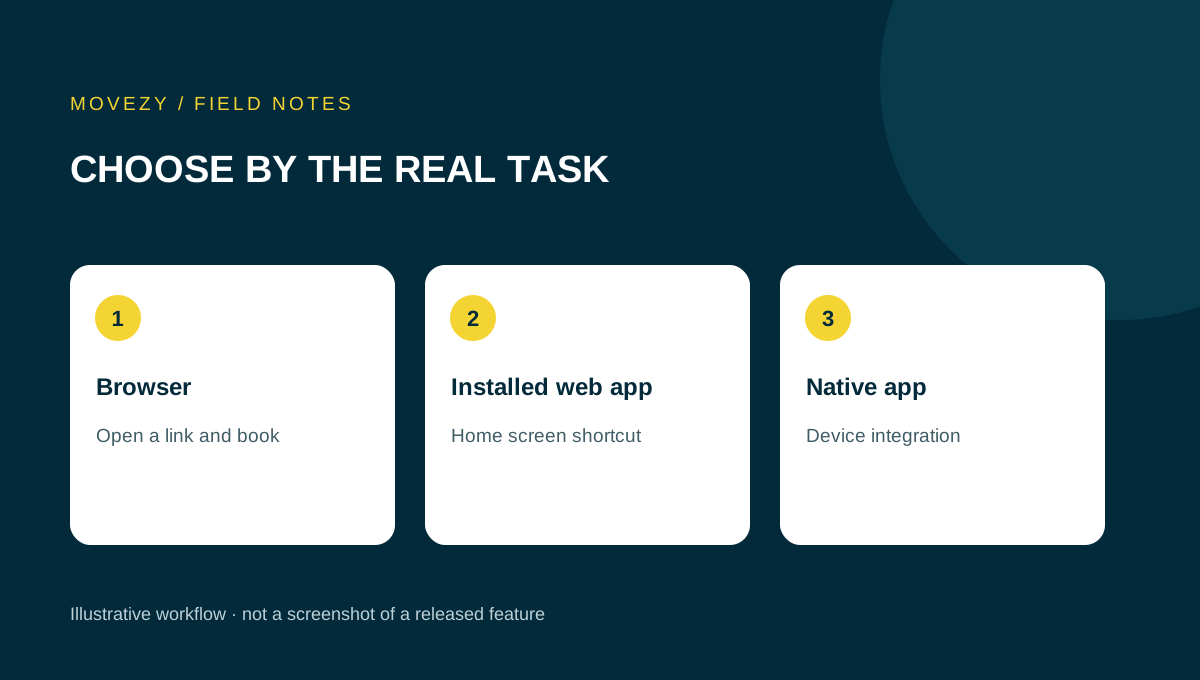
A web app runs through a browser; a native mobile app is distributed for a mobile platform. Some web apps can be installed as progressive web apps. Those labels describe delivery and integration options, not a guarantee that a product will solve your problem. Begin with the task: a client reserving a class, a coach editing the timetable or an athlete recording training.
The same brand can have a working web service and an unfinished mobile prototype. Ask which version you are being shown and which data it uses. A polished screen does not prove that accounts, synchronisation, backups or notifications are ready. In a demonstration, label sample data clearly and keep the test separate from real studio bookings.
Test the first visit on the intended device
Give the demonstration to somebody who has not watched its setup. Can they open the intended address, find the main task and understand how to get access? Record where they hesitate. If clients need an invitation, ask how an incorrect or expired invitation is handled. If a store download is required, use the actual listing and supported device information rather than a marketing badge.
| Task | What to inspect |
|---|---|
| Open | Correct address or listing, clear product identity |
| Access | Invitation or sign-in process and recovery instructions |
| Find | Timetable, own bookings or training log without guidance |
| Complete | Clear pending, success and failure states |
| Return | Saved information remains understandable after reopening |
A strong first impression is useful, but repeated use is the real test. Include a deliberate harmless typo in synthetic data and correct it. If normal editing requires contacting support, account for that work before choosing the product.
Separate installation from reliable offline behaviour
A home-screen icon tells you how to open the app, not whether the information is current or a booking has been saved. Ask the provider to demonstrate three different states: opening a previously viewed timetable without a connection, attempting a new action offline, and reconnecting. The user should be able to tell a cached view from a confirmed action.
MDN’s installability guide describes how installation varies between platforms and browsers. Its offline operation guide explains that background and offline behaviour require particular implementation choices. Neither an installed web app nor a native package should be assumed to implement every offline workflow.
| Demonstration | What counts as a useful answer |
|---|---|
| Read a timetable offline | The app makes the age or connection state understandable |
| Attempt a reservation offline | The app distinguishes unavailable, pending and confirmed results |
| Reconnect and inspect the same session | The final saved state is clear in both client and coach views |
| Open on another supported device | The same account or permitted access shows the intended record |
Test these scenarios only with synthetic reservations. Write down operating system, browser or app version and permissions because a result on one setup does not establish support on every phone. Agree what happens when a capability is unavailable: viewing a contact route or trying again later may be acceptable, while displaying an unconfirmed booking as saved is a different issue.
Treat notification delivery as its own requirement
A permission prompt, an enabled setting and an actual delivered message are different observations. If reminders are important, ask for a demonstration on the intended device with synthetic recipients. Record the app version, device, permission state and whether the app was open or closed. A successful result under those conditions should not be generalised to every device.
Then ask what a client sees when permission is declined or a reminder cannot be delivered. The timetable and saved booking should remain the source for the appointment itself. Agree the fallback communication process for important changes. A coach should not have to guess whether “notification sent” means queued, accepted by a gateway or actually observed by the recipient. Product documentation should explain the scope of its delivery status.
Compare updates, support and ongoing work
Ask how the version a client uses is identified and how changes reach them. For a web product, inspect the normal reload and return journey. For a store product, read its current update process and supported versions. Avoid assuming that every device adopts a release immediately. Support needs a way to identify the relevant version without asking a client for passwords or private access links.
Now calculate operational work: explaining access, helping with changed phones, publishing a timetable and answering common questions. A format that is convenient for the developer may still impose extra work on your clients. Conversely, requiring a download for a simple booking task may create unnecessary friction. Evaluate your audience, not a universal claim that one format is always superior.
Include leaving the service in your comparison. Ask for understandable exports and a documented account process. Installation effort and data portability are different issues; neither should be hidden behind a single convenience score.
A two-role example: one product, different priorities
Consider a fictional studio owner who prepares the week on a laptop and a client who checks their own booking on a phone. The owner needs to compare dates and make a precise change without losing existing reservations. The client needs a clear next session, a recognisable booking state and a straightforward cancellation path. Neither role is well evaluated by a screenshot of the other role’s screen.
Ask both people to perform their normal task in the demo. For the owner, change a synthetic session and find the resulting client list. For the client, reopen the app later and identify the changed session. Include the actual type of device each person uses. A successful desktop demonstration does not prove that the same information fits on a narrow phone screen.
Now list the reasons you are considering a native version. Is it access convenience, a particular platform integration or a notification requirement? For each reason, ask the provider to show the difference on the relevant device. If the web version already meets the essential need, a native release may be a useful future improvement rather than a condition for starting. If a platform feature is essential and unavailable, keep that requirement open instead of relying on a roadmap date.
The final comparison should keep the roles visible. Record owner task, client task, device, result and remaining limitation. A product that suits one studio may not suit another with different clients or administration. This worksheet helps you identify those differences without declaring that a delivery format is universally better.
Use a simple acceptance worksheet
Before deciding, write five essential tasks and the evidence for each. Use pass, fail or unresolved rather than a vague percentage. For every pass, keep the relevant conditions. For every unresolved item, name the question and the person who can answer it. Optional visual preferences should not compensate for an essential task that fails.
- Who tested which task, on which version and device?
- Which result was actually observed?
- Which part is documented but was not demonstrated?
- What remains a prototype or future commitment?
- What is the practical fallback if the feature is unavailable?
Movezy’s current boundary is explicit: Miki’s personalised web app works separately; dedicated mobile development and the general Movezy Club product are not public store releases. Check the app status page before interpreting an illustrative screen as an available feature. If your question is about individual coaching rather than software, visit The Jacked Geek.
Questions you might have
Is a native app always better than a web app?
Choose by the essential tasks and tested behaviour on the intended devices. The format alone does not establish suitability.
Does an installed icon guarantee offline booking?
No. Ask separately about viewing cached information, saving new actions and synchronisation.
Are Movezy’s mobile apps in the stores?
Not yet. Mobile development and internal demos are separate from a public store release.
Put this guide to use
Download the plain-text worksheet, save your own copy and fill it in locally. No signup or submission is needed.
Download the worksheet (.txt)Topics
Sources and scope
The sources support the general principles discussed. Scenarios, tables and worksheets are illustrative Movezy planning aids, not client case studies or individual prescriptions.
Prepared for Movezy with AI-assisted drafting. General planning information, not an individual training or medical plan. Questions or corrections? Contact Martin.
Explore the apps